Back to the Terminal: How AI Killed My Need for GUIs
I spent years avoiding the command line. Now, a terminal, an AI agent, and a dictation app are almost the only tools I need.
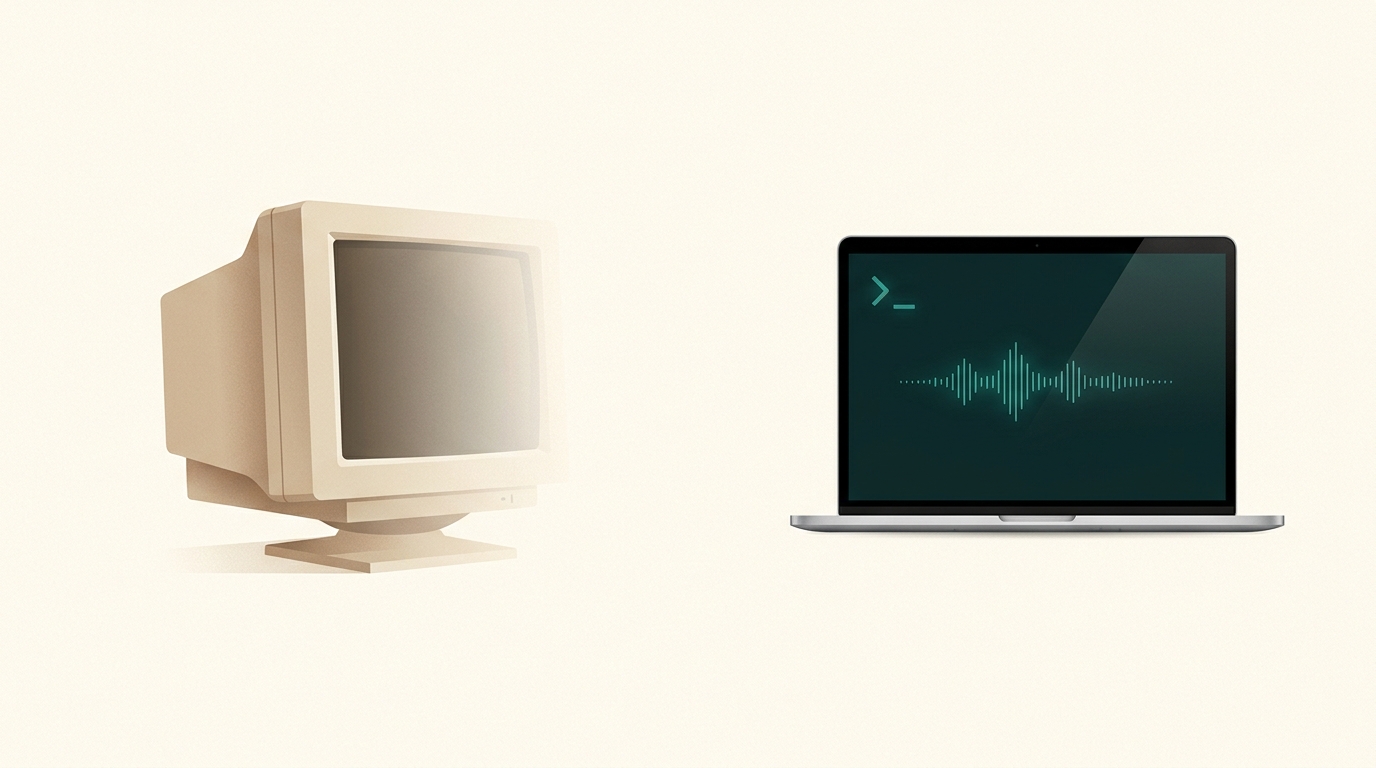
When I first got a computer, the terminal was the one thing I wanted to avoid.
We had a Windows computer with a keyboard, CPU, mouse, and everything else. Whenever there was a script to run or a technical task to handle, I used to be terrified. I always thought there should be an .exe file or a GUI application to do it instead. For a long time, that was how I worked.
The terminal had already been around before that, of course. It was the primary way people used computers. Then GUIs took over because they were easy, and people who were new to computers naturally gravitated toward them.
Even earlier, back in my childhood, I used to learn computers with C++ and command-based tools. I remember wondering why it all had to be so hard. Then Windows GUIs took over, and later I shifted to a Mac. Mac was all GUI, everything I wanted, and I thought I would never need to touch a terminal again.
The Shift: AI Agents Living Inside the Terminal
Then came AI tools. At first they just felt amazing on the surface, but what they were actually doing internally was using the terminal, powered by smart agent-based workflows.
Now, what is happening to me is the complete opposite of how I started:
- Whenever I find a new tool, the first thing I look for is CLI, MCP, or terminal access.
- I want my AI tool, whether it is Antigravity, Claude, or a command-line coding agent, to take over easily and get the job done through commands.
- And I am not even typing most of those commands. I give instructions through a dictation app.
My Entire Setup: Just Five Apps
Ultimately, right now I only rely on five main applications on my Mac:
- Safari for browsing
- Antigravity connected to the terminal and its AI models
- A dictation app for speaking instructions instead of typing
- WhatsApp for messaging
- An email app for communication
Apart from these five tools, I do not need much else. Everything gets done over the internet, through the terminal, through an AI agent, and through voice.
From Clicking Dashboards to Running Commands
Avoided scripts; relied on .exe installers and menus.
All-GUI workflow with WP Admin and hosting dashboards.
Discovered AI tools running terminal commands under the hood.
Five core apps; spoken instructions executed via CLI and MCP.
The world has changed so rapidly, and it has brought us right back to where we started: the terminal is the actual thing doing the job.
When I used to work full-time with WordPress, I would open a browser, log into the WordPress admin dashboard, or click around inside my hosting account. Right now, I connect everything through a CLI like WP-CLI. I just give a command and get it done, often without even opening a browser to edit anything.
| Era | Primary Interface | How Tasks Got Done |
|---|---|---|
| Early Windows | GUI & .exe apps |
Avoided scripts; clicked through installers and menus |
| Mac GUI Era | Desktop & Browser | Logged into dashboards like WP Admin and hosting panels |
| AI Terminal Era | CLI, MCP & Voice | Spoken instructions executed by AI agents in the terminal |
Full Circle, Organized
In the future, the terminal and these AI agents will only get smarter and stronger. They have brought everything under one roof and made us far less dependent on traditional GUIs.
There was a time when coders used Notepad and the raw terminal to type and run commands before file managers and visual dashboards took over. Now we are right back at the terminal, only this time in a smarter, more organized way.