Why I Stopped Typing: How Dictation Apps Changed Everything
What used to take 20 minutes of typing now takes two minutes of speaking, and it completely changed how I work.
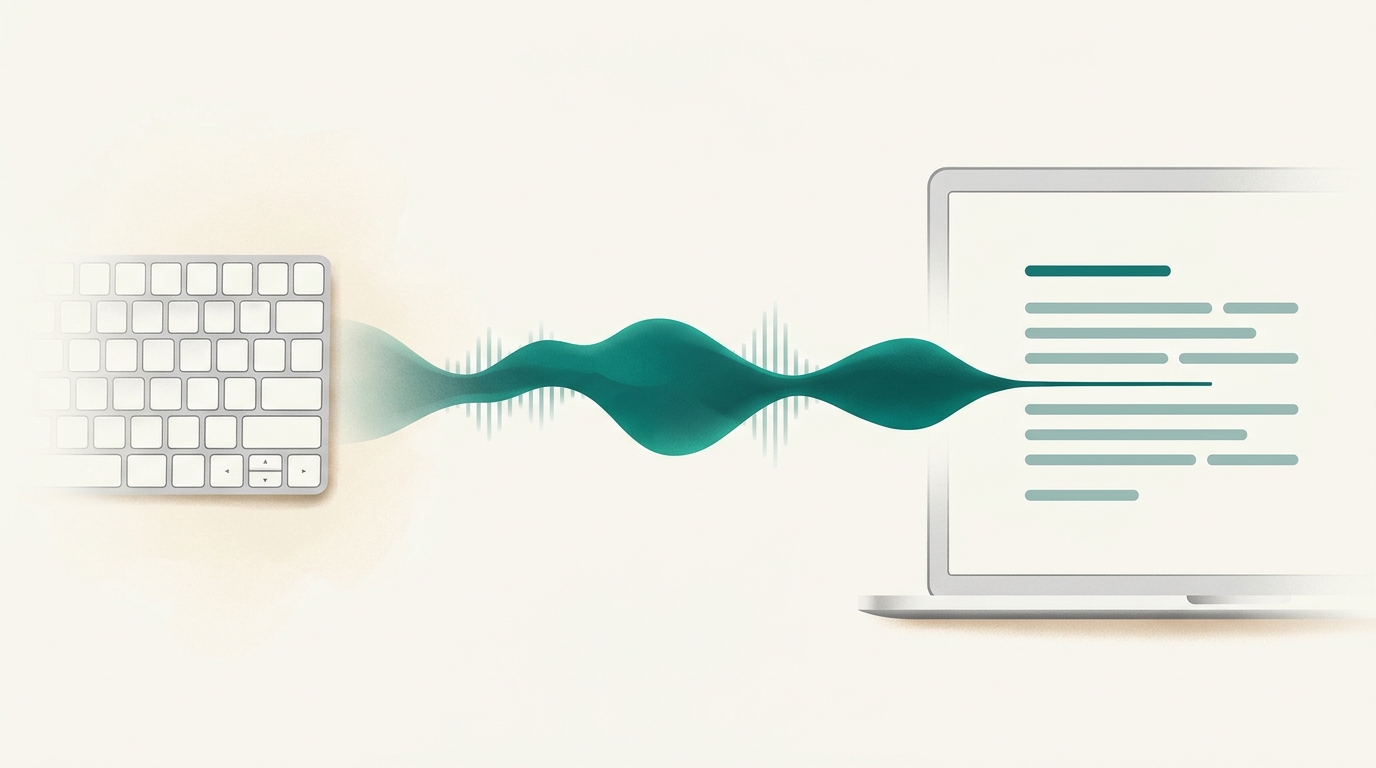
When I started my coding work in the modern era, I used an app called Windsurf (now known as Devin). It had a built-in mic option that felt genuinely beautiful to use.
It saved me a lot of time right away. To be honest, typing takes a lot of time, especially when you are writing long sentences or giving detailed instructions to an AI.
The Indian English Accent Challenge
Soon I found more tools and IDEs with built-in microphones. They were useful, but there was a real challenge: global US English and Indian English are very different. Most tools struggled with the accent and missed words because Indian English has its own rhythm and pronunciation.
Slowly, developers in India understood the need, because an accent cannot be changed overnight. That is when a new wave of dedicated dictation apps started showing up.
From Wispr Flow and Spokenly to Kivi by Sarvam
I tried several options: Wispr Flow, open-source tools like Spokenly, and Apple Dictation. Some had free tiers and paid tiers, which mattered because I was dictating a huge volume of words every day.
Then I found Kivi by Sarvam on my Mac, and it made everything effortless. It is extremely fast, has a generous free alpha tier right now, and once you start using a model this accurate, you cannot go back to a smaller one.
- Kivi by Sarvam: My daily driver on Mac; unbeatable with Indian English and fast enough that it feels invisible.
- Wispr Flow: Still great, and I use it on my phone while waiting for Kivi to arrive on Android.
- Spokenly & Apple Dictation: Uninstalled Spokenly, and Apple Dictation still makes too many errors for heavy daily work.
| App | Where I Use It | Indian Accent | Status |
|---|---|---|---|
| Kivi by Sarvam | Mac | Cracked it | Primary daily driver |
| Wispr Flow | Phone | Good | Mobile backup |
| Apple Dictation | Built-in | Error-prone | Rarely used |
| Spokenly | Mac | Limited | Uninstalled |
The 5 Things That Actually Matter in a Dictation App
First taste of speaking instructions instead of typing.
US-centric models struggled with Indian English.
Tried Wispr Flow, Spokenly, and Apple Dictation.
20-minute typing tasks turned into 2-minute voice workflows.
After testing so many tools, I judge every dictation app on five things, ranked in order:
- Accent and Indian words: Understanding Indian English and occasional Indian words with the right spelling and context.
- Speed: How quickly the text appears back on screen.
- Activation time: How fast the mic starts listening when you press the shortcut.
- Smart restructuring: Cleaning up raw spoken words into natural, readable sentences whenever needed.
- Cost: Fair, sustainable pricing for people who dictate thousands of words a day.
Local models exist, and there are plenty of OpenAI Whisper-based apps and APIs out there. But Sarvam cracked Indian accents in a way local models have not, and that combination of speed, accuracy, and cost is hard to replace.
20 Minutes Turned Into 2 Minutes
I am using Kivi by Sarvam to write this very post. I honestly do not remember the last time I typed this much by hand, because my work now relies on voice as a system.
What used to take at least 20 minutes of typing now takes two or three minutes. One by one, the barriers between thinking and shipping are disappearing. And the time we save? We can use it to relax, work on our health and mind, and just be happy.